 Get a walkthrough
What is ready.
You have seen enough demos that mixed the finished with the imagined. Here is the list instead.
Get a walkthroughWhat “working” means
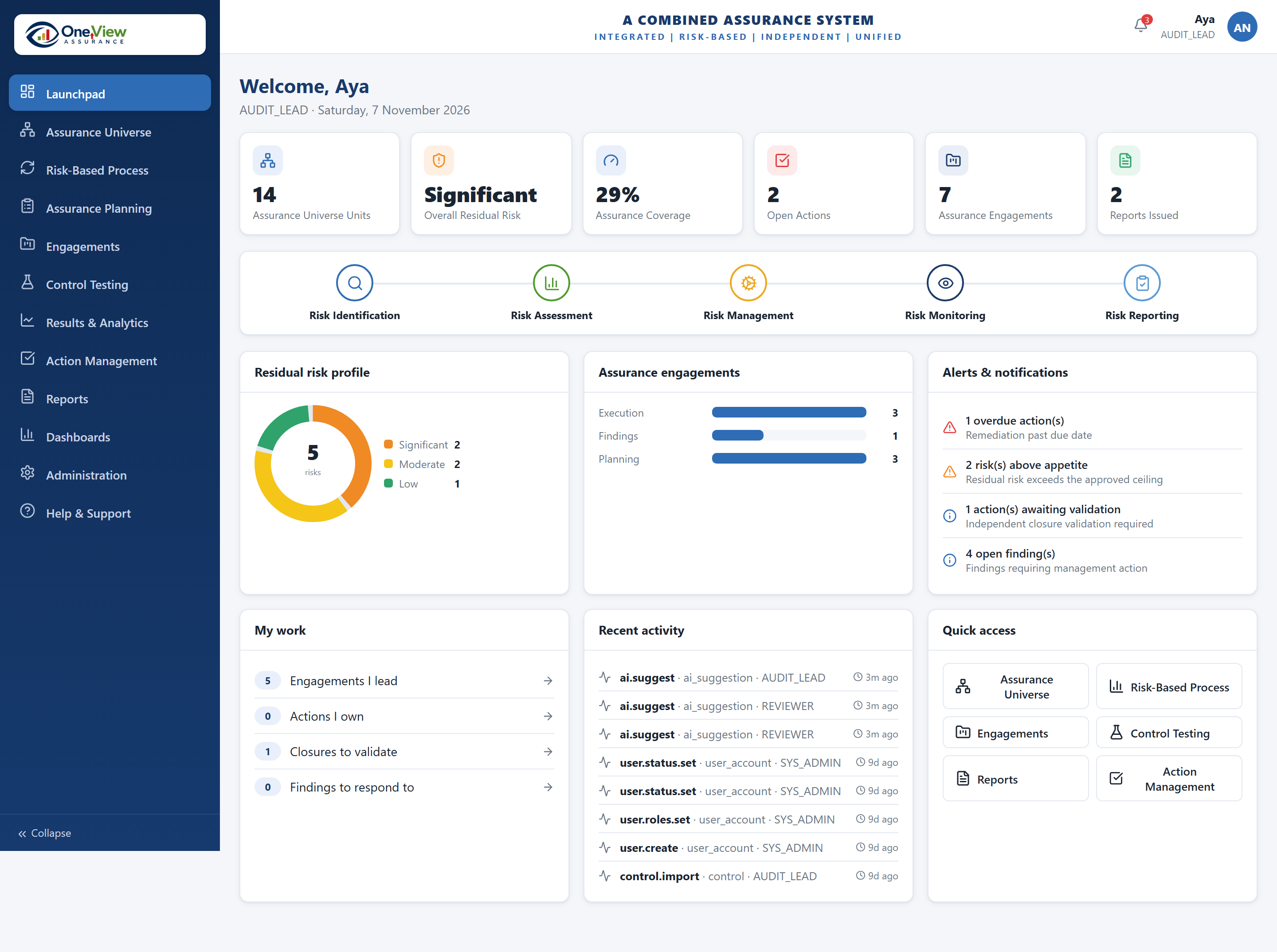
“Working” means you could use it on Monday — with your data, your permissions and your approvals. Not a screen that renders.
The list
As at November 2026. Ask us at any time and we will tell you where a line has moved.
| Part of the job | Where it is |
|---|---|
| The shared list of what you assure | Working |
| One annual plan across every team | Working |
| Engagements, with their approval steps | Working |
| Risks: identifying, rating, treating | Working |
| Control testing, with evidence | Working |
| Findings and the combined action list | Working |
| Users, roles and permissions | Working |
| Dashboards and wider reporting | In progress |
| Your own methods, configured | In progress |
| Whistleblowing hotline | Separate track |
| Law and policy library | Planned |
| Links to your other systems | Planned |
What comes next
Early clients move things up this list. If what you need is near the bottom, that is worth a conversation now rather than later.
Soon
Keeping an eye on risks between reviews, a fuller set of testing templates, and better analysis across everything already recorded.
After that
A library linking legal duties to the obligations in your list, and connections to the HR, finance and document systems you already run.
Tell us what you need first.
The order of that list is not fixed. Early clients have moved things up it.
Get a walkthrough